Attributes of Lightroom APK: A Comprehensive Guide
In the digital era, photography is no longer limited to professional cameras and desktop editing software. With the rise of powerful smartphones and advanced mobile applications, photo editing has become accessible to everyone.
Among the many photo-editing apps available today, Lightroom APK stands out as one of the most powerful and versatile tools for both amateur and professional photographers. Developed by Adobe, Lightroom has transformed mobile photo editing by bringing desktop-level features to handheld devices.
1. User-Friendly Interface
One of the most notable attributes of Lightroom APK is its clean and intuitive user interface. Despite offering advanced editing tools, the app remains easy to navigate for beginners.
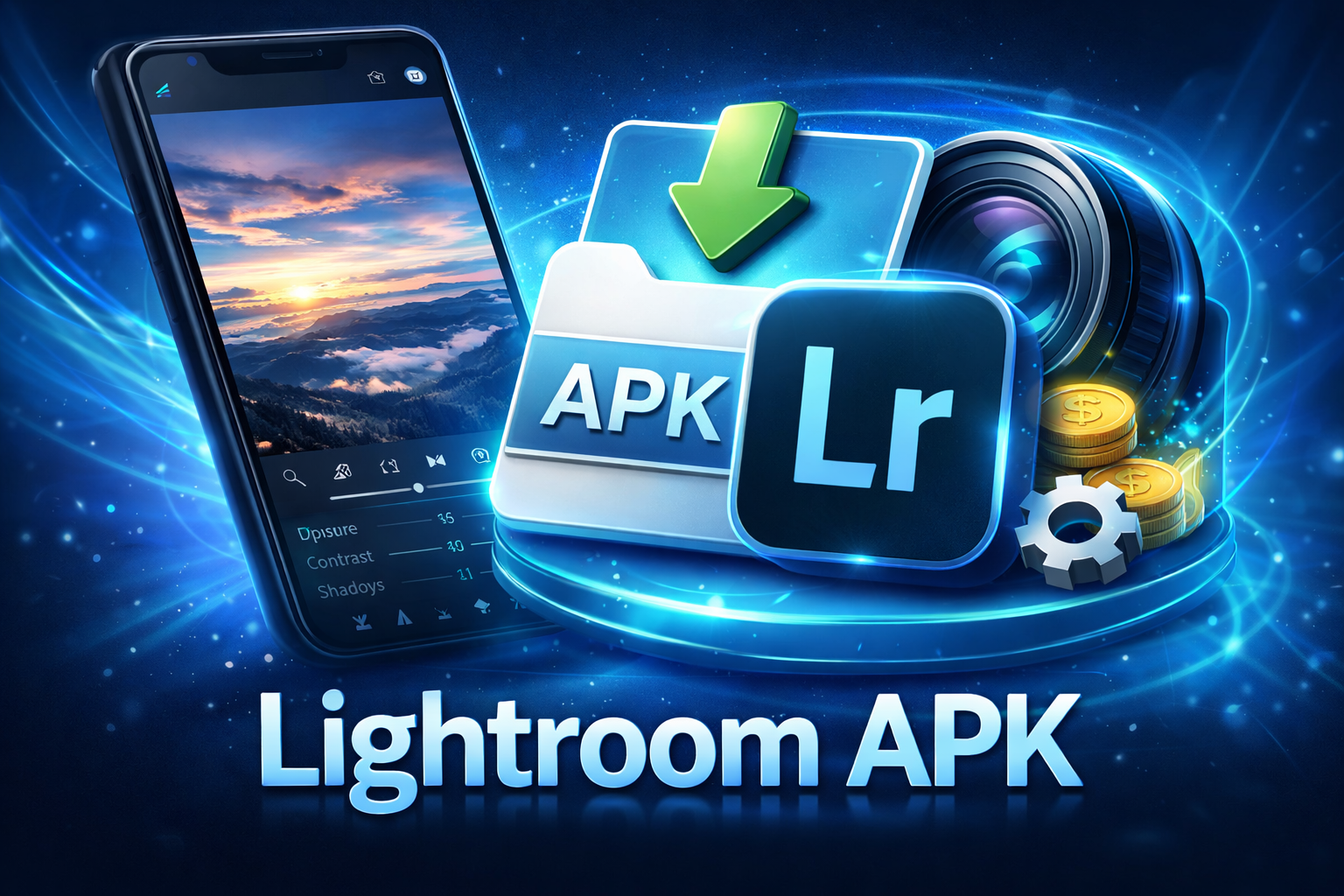
The layout is well-organized, with editing tools neatly categorized into sections such as Light, Color, Effects, Detail, and Optics. Sliders are responsive and provide real-time previews, allowing users to see changes instantly. This balance between simplicity and power makes Lightroom suitable for users at all skill levels.
2. Professional-Grade Editing Tools
Lightroom APK provides professional-level editing features that rival desktop photo editors. These tools allow users to fine-tune images with precision.
Key editing tools include:
- Exposure and contrast adjustments
- Highlights and shadows control
- Whites and blacks balance
- Texture, clarity, and dehaze
- Tone curve adjustments
These features give photographers complete control over image lighting and depth, making it possible to enhance photos without compromising quality.
3. Advanced Color Grading Capabilities
Color correction is one of Lightroom’s strongest attributes. The app offers powerful color grading and calibration tools that help users achieve precise and visually appealing results.
Users can adjust:
- Temperature and tint
- Vibrance and saturation
- Individual color hues, saturation, and luminance (HSL panel)
This level of control is particularly valuable for photographers who want to maintain color accuracy or create a specific visual style.
4. Presets for Faster Editing
Presets are one of the most popular features of Lightroom APK. These are pre-configured editing settings that can be applied to photos with a single tap.
Lightroom includes:
- Built-in professional presets
- Community-created presets
- Custom preset creation options
Presets help save time and ensure consistency, especially for social media creators and photographers who edit large batches of photos.
5. Non-Destructive Editing
A major advantage of Lightroom APK is its non-destructive editing system. This means the original image file is never altered.
All changes are stored separately and can be modified or reverted at any time. Users can experiment freely with edits without the fear of losing the original photo, making Lightroom ideal for learning and creative exploration.
6. RAW Photo Editing Support
Unlike many mobile editing apps, Lightroom APK supports RAW image formats. RAW files contain significantly more data than standard JPEG images, allowing for greater flexibility in editing.
This feature is especially beneficial for professional photographers who want to:
- Recover highlights and shadows
- Maintain image detail
- Achieve higher-quality edits
RAW editing on mobile devices is a game-changing attribute that sets Lightroom apart from competitors.
7. Selective and Masking Tools
Lightroom APK includes selective editing and masking tools, enabling users to apply edits to specific areas of an image rather than the entire photo.
Masking options include:
- Brush masks
- Linear and radial gradients
- Subject and sky selection (AI-powered)
These tools allow precise adjustments, such as brightening a subject, enhancing the sky, or softening the background, resulting in more professional-looking images.
8. AI-Powered Enhancements
Artificial intelligence plays a significant role in Lightroom’s functionality. The app uses AI-driven features to simplify complex editing tasks.
AI-powered tools include:
- Auto adjustments
- Subject detection
- Sky replacement enhancements
- Intelligent masking
These features reduce manual effort while maintaining high-quality results, making advanced editing accessible to non-professionals.
9. Cloud Sync and Cross-Platform Compatibility
Lightroom APK offers seamless cloud synchronization, allowing users to access their photos and edits across multiple devices.
Key benefits include:
- Editing continuity between mobile, tablet, and desktop
- Automatic backup of photos
- Easy file organization
This cross-platform compatibility is ideal for photographers who work on multiple devices and need a smooth workflow.
10. High-Quality Export Options
Another important attribute of Lightroom APK is its flexible export settings. Users can control output quality, resolution, and file format.
Export options include:
- JPEG, PNG, and TIFF formats
- Custom resolution and compression
- Watermarking options
These settings ensure images are optimized for social media, websites, or professional printing.
11. Performance and Stability
Lightroom APK is optimized for performance, even when handling high-resolution images. The app runs smoothly on most modern Android devices and efficiently manages system resources.
Regular updates improve:
- Speed and responsiveness
- Bug fixes and stability
- Compatibility with new devices
This reliability makes Lightroom a dependable choice for daily photo editing.
12. Learning and Community Support
Lightroom APK includes built-in tutorials and learning resources that help users improve their editing skills.
Additionally, the Lightroom community allows users to:
- Share presets
- Discover editing styles
- Learn from other photographers
This educational ecosystem adds long-term value to the app.
13. Security and Data Protection
As a product of a trusted software company, Lightroom APK prioritizes data security and privacy. Cloud storage is encrypted, and user data is protected through secure authentication methods.
This ensures that personal photos and creative work remain safe and accessible only to the user.
14. Accessibility and Customization
Lightroom APK supports customization options such as:
- Interface adjustments
- Preset management
- Workflow personalization
These options allow users to tailor the app to their specific needs, improving overall usability.
15. Overall Value and Versatility
The combination of professional tools, AI features, cloud integration, and ease of use makes Lightroom APK a versatile and powerful photo-editing solution.
It caters to:
- Casual smartphone photographers
- Social media creators
- Professional photographers
Its ability to deliver high-quality results on a mobile platform is one of its strongest attributes.
Conclusion
Lightroom APK is more than just a photo-editing application; it is a complete mobile photography solution. Its user-friendly interface, advanced editing tools, RAW support, AI-powered features, and cloud synchronization make it one of the most capable editing apps available today.
Whether you are a beginner learning the basics of photo enhancement or a professional seeking precise control on the go, Lightroom APK offers the tools and flexibility needed to bring creative visions to life. Its wide range of attributes ensures that it remains a top choice in the world of mobile photo editing.