InShot APK Guide: Features, Benefits and Easy Editing Tools 2026
InShot APK remains one of the most talked-about mobile editing apps because it gives everyday users a simple way to create polished videos and photos without needing a laptop or advanced editing skills.
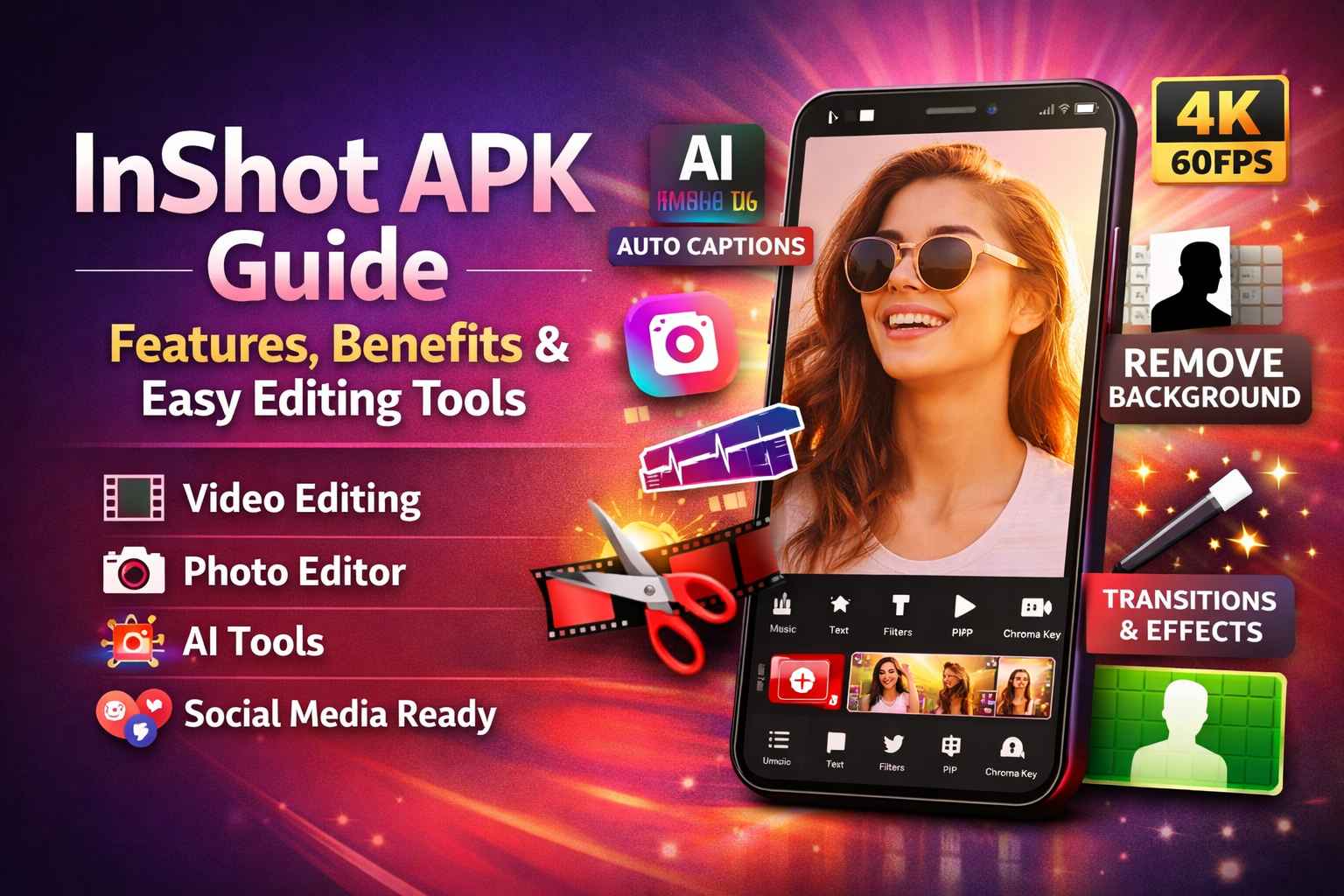
At its core, InShot is positioned as an all-in-one video editor, photo editor, and collage maker, with tools for trimming clips, adding music, using transitions, applying filters, creating collages, and exporting content for major social platforms. Its current official listings also highlight newer AI-powered tools such as auto captions, background removal, smart tracking, AI effects, and high-resolution export support.
What makes the app stand out is not only the long feature list, but the way those tools are arranged for mobile users. A lot of editing apps feel crowded or overly technical. InShot takes a different route. It tries to make video editing quick, visual, and beginner-friendly, while still offering enough control for creators who want more than basic trimming. That balance is one of the biggest reasons the app has stayed relevant for casual creators, vloggers, short-form video makers, small business owners, and students.
When people search for InShot APK, they are usually looking for the Android version of the app. In practical use, this means they want a lightweight mobile editor that can handle short videos, reels, stories, slideshows, and social posts without forcing them into a steep learning curve. InShot fits that need well because it combines fast editing with tools that help content look more polished right from a phone.
The Google Play listing, updated on February 11, 2026, describes it as an easy-to-use all-in-one video editor and video maker, while the App Store listing also presents it as a photo and video editor powered by both standard and AI-based tools.
What Is InShot APK?
InShot APK is the Android build of InShot, a mobile editing app designed for creating and enhancing visual content. It is used for editing videos, improving photos, building collages, adding sound, adjusting speed, inserting text and stickers, and preparing content for platforms such as YouTube, Instagram, TikTok, WhatsApp, and similar social apps.
Official descriptions emphasize that it supports both basic edits and more advanced assets like video collage, reverse video, slow motion, and layered editing. Have a look at the mesmerizing features of another app, Kinemaster APK.
That matters because many users do not need a full desktop editing suite. They need an app that helps them shoot, trim, clean up, style, and publish content quickly. InShot is built around that kind of workflow. You can start with a clip from your gallery, shorten it, add music, place text on top, insert a transition, adjust the aspect ratio, and export it in a format ready for a reel or short video. The entire process is meant to happen on one device, with minimal friction.
A Clean Entry Point for Beginners
One of the strongest benefits of InShot APK is ease of use. The official app pages repeatedly frame it as a simple editing app, and even the testimonials featured on the official site consistently describe it as intuitive, beginner-friendly, and less complicated than desktop tools. While testimonials are not technical documentation, they match the app’s design philosophy: give users an easy starting point while leaving room to grow.
This beginner-friendly setup is a real advantage for people who feel intimidated by complex editing software. With InShot, the first steps are usually obvious. Trimming, merging, adding text, adjusting speed, and inserting music are placed front and center. Instead of forcing users to learn a timeline full of professional jargon, the app focuses on visible actions. That saves time and lowers frustration, especially for first-time editors.
The app is also useful for people who create content frequently but do not want to spend hours editing every post. Small businesses, social media managers, affiliate marketers, teachers, and personal brand builders often need content that looks neat and engaging, not Hollywood-level production. InShot serves that middle ground very well.
AI Tools Make Editing Faster
A major reason InShot APK still feels current is its growing use of AI features. Official app listings mention AI Body Effects or AI Effects, Auto Captions, Auto Remove Background, Smart Tracking, AI photo enhancement, AI Light for brightening portraits, object removal, AI Blend collage modes, and screenshot or caption stitch features.
These tools matter because they reduce manual work. Auto captions help creators turn speech into on-screen text without typing every line themselves. That saves time and also improves accessibility for viewers who watch without sound. Auto background removal cuts out one of the most annoying editing jobs. Smart tracking can keep text or stickers attached to moving subjects, which creates a more dynamic result with less effort. Voice enhancement and beat-based tools make it easier to polish audio and sync edits with rhythm.
The benefit here is speed. Many users do not abandon editing because they lack creativity. They abandon it because it takes too long. AI tools make InShot APK more practical for busy people who want decent output with less repetitive work. That is especially valuable for creators posting daily or running multiple social accounts.
Filters, Effects, and Visual Styling
Editing is not only about cutting clips. Presentation matters just as much. InShot includes cinematic filters, brightness and saturation controls, customized video filters, unique effects such as glitch, fade, noise, beats, weather, Retro DV, and celebration-style effects, plus transition packs to connect clips smoothly. The official pages also mention AI effects like clone, stroke, and auto-blur.
For many users, these styling tools are where the app becomes fun rather than purely functional. A plain video can look far more engaging after color correction, a subtle filter, a motion transition, and a bit of text animation. Effects can help a clip fit a mood, whether that is energetic, nostalgic, dramatic, clean, or playful. Small creators benefit from this because they can build a recognizable visual style without needing expensive software or plugin packs.
Transitions also help keep short-form content watchable. Smooth scene changes reduce the feeling of rough cuts, while stylized transitions can create momentum. On platforms where audience attention disappears quickly, these details can make a noticeable difference in retention.
Photo Editing and Collage Features
InShot APK is not only a video editor. The official listings also describe it as a photo editor and collage maker. Users can add text and stickers to photos, apply filters, adjust brightness and contrast, work with curves and HSL controls, blur backgrounds, remove unwanted objects, enhance photos with AI, and create collages using grids, freestyle layouts, AI Blend, and pic stitch options. The Android listing says it supports up to 20 photos and more than 100 editable collage layouts.
This adds real value because many people do not want separate apps for everything. A creator might need a video reel today, a product collage tomorrow, and a story cover the next day. InShot makes that possible inside one ecosystem. That convenience saves storage space, reduces app switching, and creates a more unified workflow. If you are fond of watching movies, you should read Hoppers review and give it a chance!
For small businesses, the photo side of InShot can be especially helpful. Product images, promotional collages, before-and-after comparisons, announcement posts, and quick banners can all be handled inside the app. That means a business owner with limited design experience can still build presentable marketing materials without hiring a designer for every small asset.
Designed for Social Media Publishing
One reason InShot APK has become a favorite among mobile creators is its strong fit for social media. Official descriptions mention support for multiple aspect ratios, background adjustments, and export options tailored for platforms like Instagram Reels, TikTok, YouTube Shorts, WhatsApp Status, Twitter, and Facebook. The app listings also say it supports high video output resolution, including 4K at 60fps.
This is more important than it may sound. Social platforms all prefer slightly different formats. A creator who posts everywhere needs tools that make resizing easy. InShot helps users adapt a piece of content without rebuilding it from scratch. You can fit footage into vertical, square, or wide layouts, adjust the background, and prepare it for the channel you want.
High-resolution export is another important benefit. Even if the final viewer watches on a phone, cleaner output can make a video look more trustworthy and professional. For brand pages, tutorials, and portfolio content, that quality difference matters.
Final Thoughts
InShot APK continues to attract attention because it solves a very common problem: people want content that looks better, but they do not want editing to feel difficult. InShot answers that with a blend of simplicity, speed, and useful creative control. It offers core video editing tools, practical photo editing, collage creation, social-media-ready aspect ratios, and a growing list of AI features that reduce manual work.
Official listings currently highlight auto captions, background removal, smart tracking, keyframe animation, chromakey, picture-in-picture, blend tools, filters, transitions, and 4K 60fps export, which together make it far more capable than a basic phone editor.
For beginners, the biggest benefit is accessibility. For regular creators, it is efficiency. For businesses and marketers, it is convenience. And for mobile-first users, it is freedom: the ability to create, edit, and publish from one device. That combination is why InShot APK remains a strong choice for anyone who wants to make videos and visuals that look polished without stepping into overly complex software.